
Sceney / Brands
Brand upload
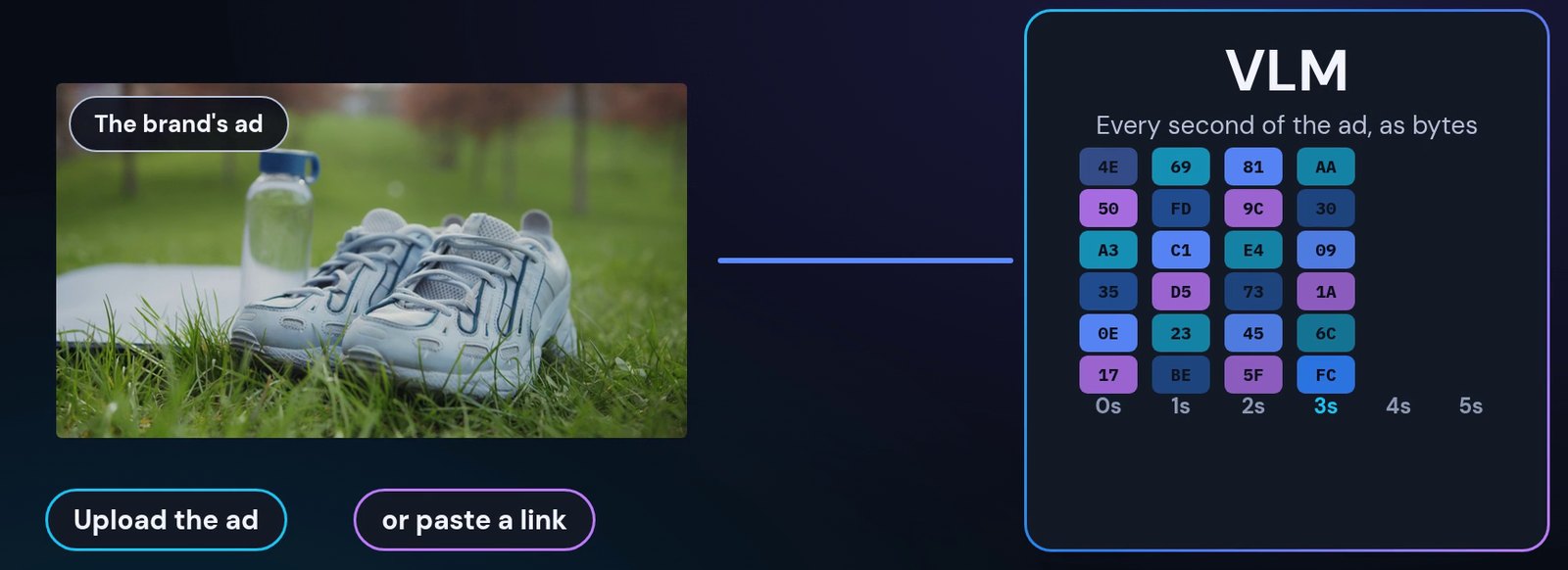
Plug your ad into an app built on Sceney, the vision language model (VLM) from Edge Video AI. Upload it or paste a link, choose where viewers should go, and when it plays on a TV, the screen can offer that next step on the exact second.
How a brand plugs in
Six steps, no new creative.
Upload the ad, or paste a link
Bring the ad you already run.
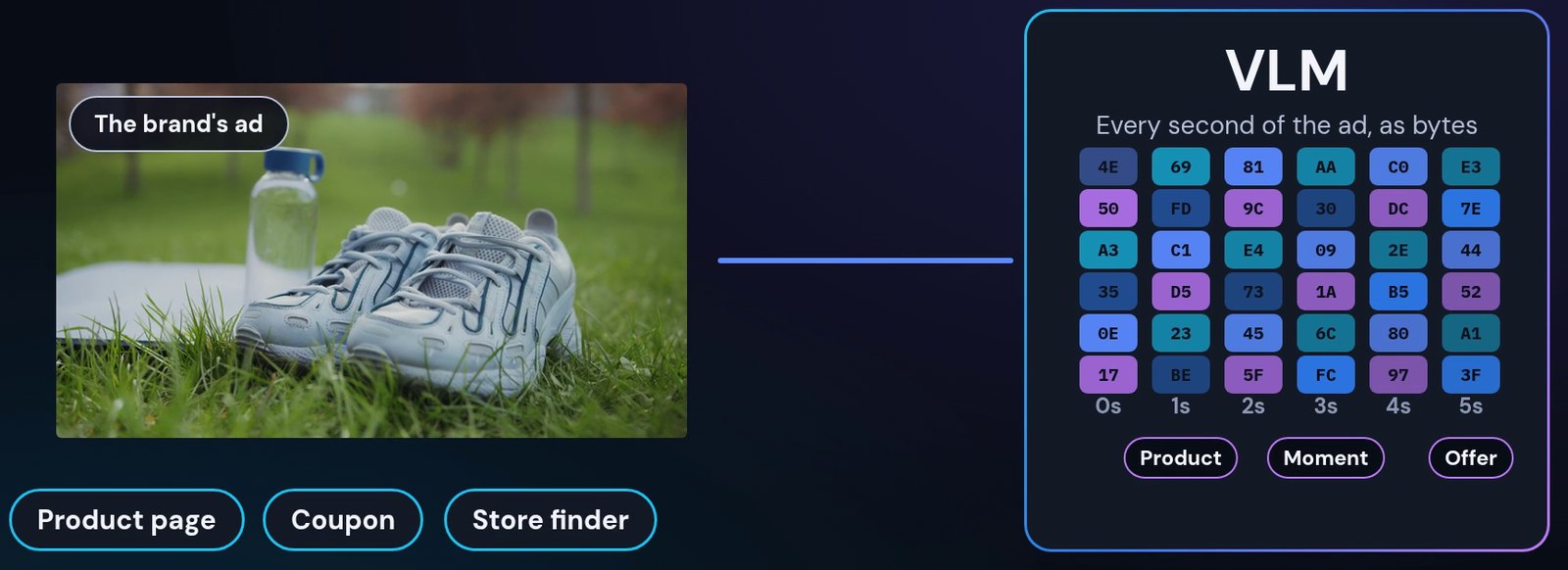
Edge ACR reads every second
Each second is tagged by what is in it: product, moment, offer. The same content recognition a TV uses to find the moment on screen.
Choose where viewers go
A product page, a coupon, a store finder.
The ad plays on a TV
On HDMI, free-to-air or one of the TV's apps.
The TV finds the exact second
Edge ACR: our own content recognition on the TV, talking to the VLM, which holds your ad. The match names the second that is playing. One read is 72 bytes.
The screen offers your next step
A small prompt, such as a code to scan, at that moment of your ad.
Every input
Recognition works from the picture on screen, so a cable box, an antenna and a streaming app all look the same to it.
Private by design
The picture never leaves the TV.
Your ad, unchanged
No watermark or re-edit is needed. The fingerprint is taken from the ad as it is.
Bring your ad to Sceney
Start at sceney.ai.