
Gaming · Sceney for game streamers
Overlays you prompt yourself.
Sceney, the vision language model (VLM) from Edge Video AI, runs an overlay on your stream that you build by describing it. It works on Kick and Twitch.
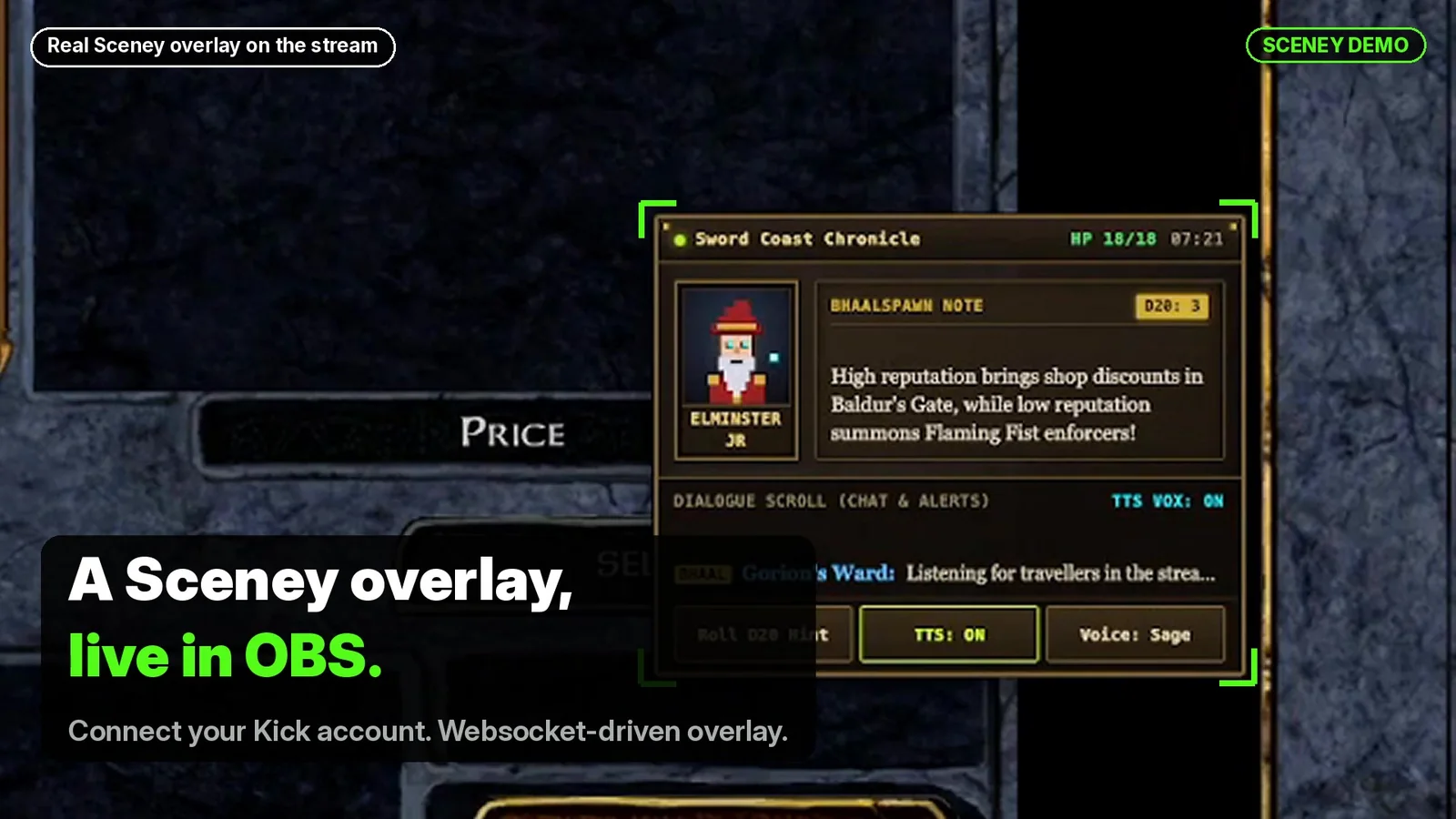
Demo
See the demo
How it works
Connect, prompt, go.
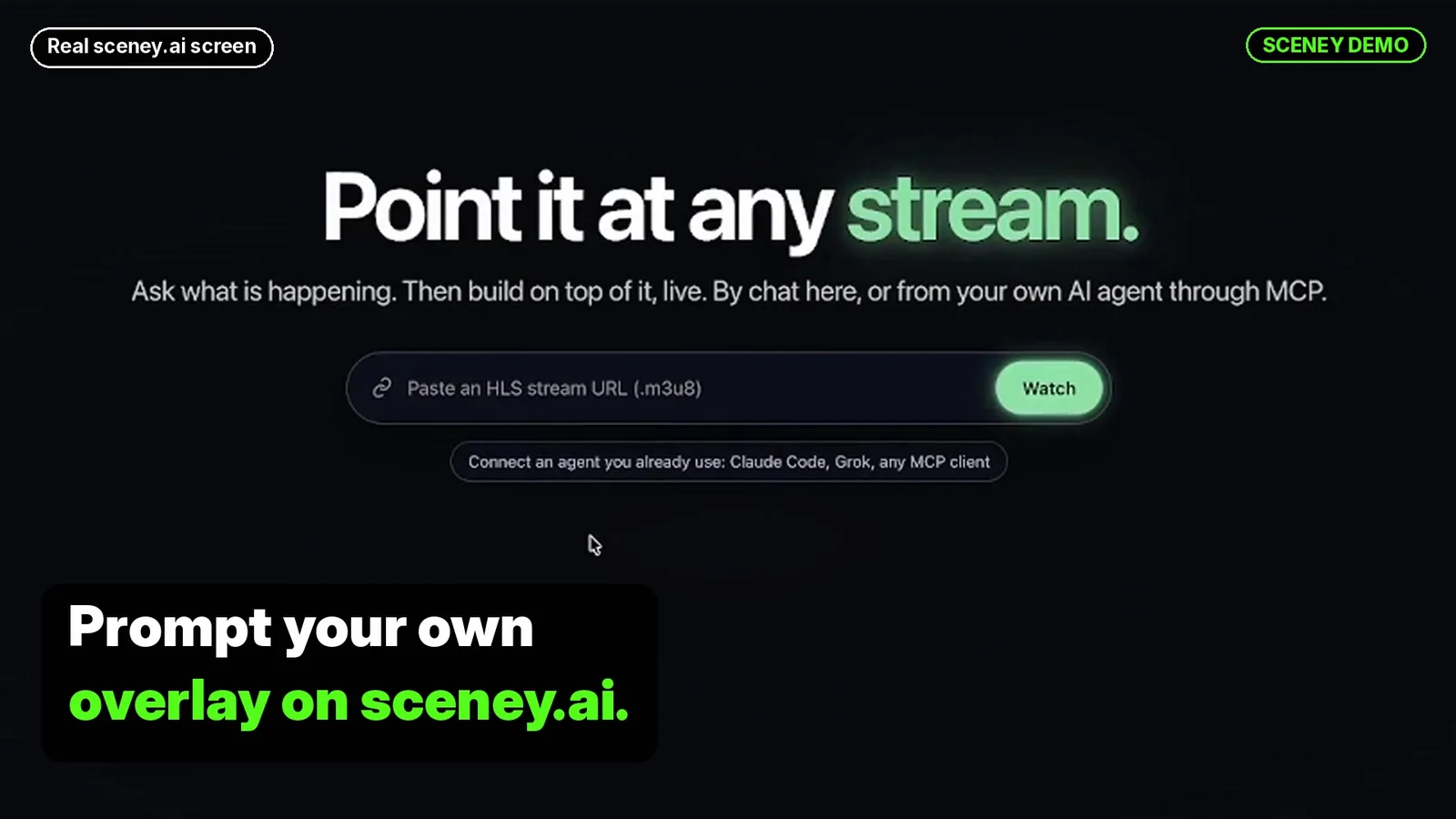
Connect your account.
Streamers sign in with their Kick or Twitch account. No keys to copy.
Prompt your overlay.
Describe what you want on screen and Sceney builds it.
It updates as you stream.
The overlay is websocket-driven, so changes land on the stream as they happen.
For your viewers
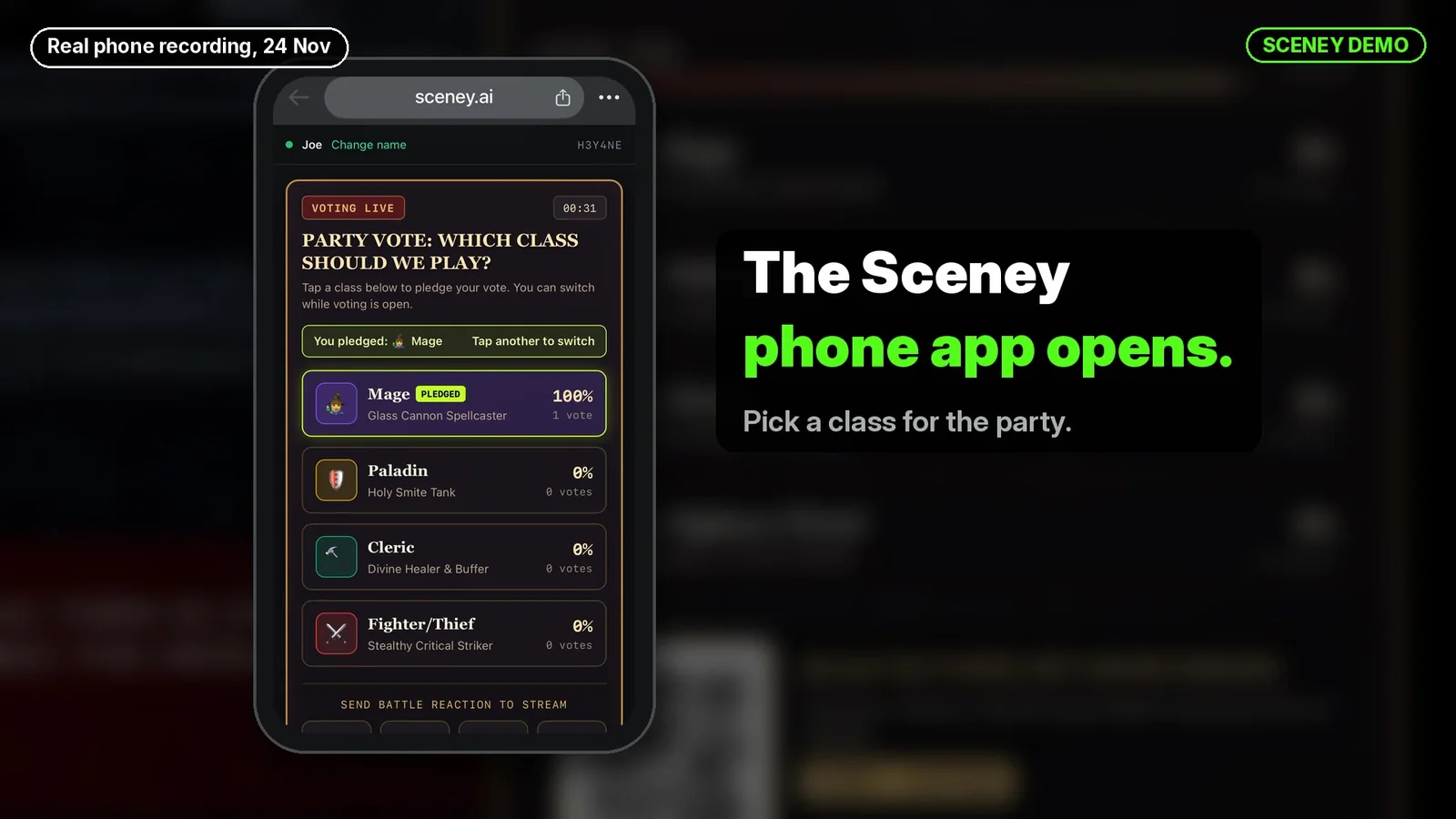
A second screen for viewers.
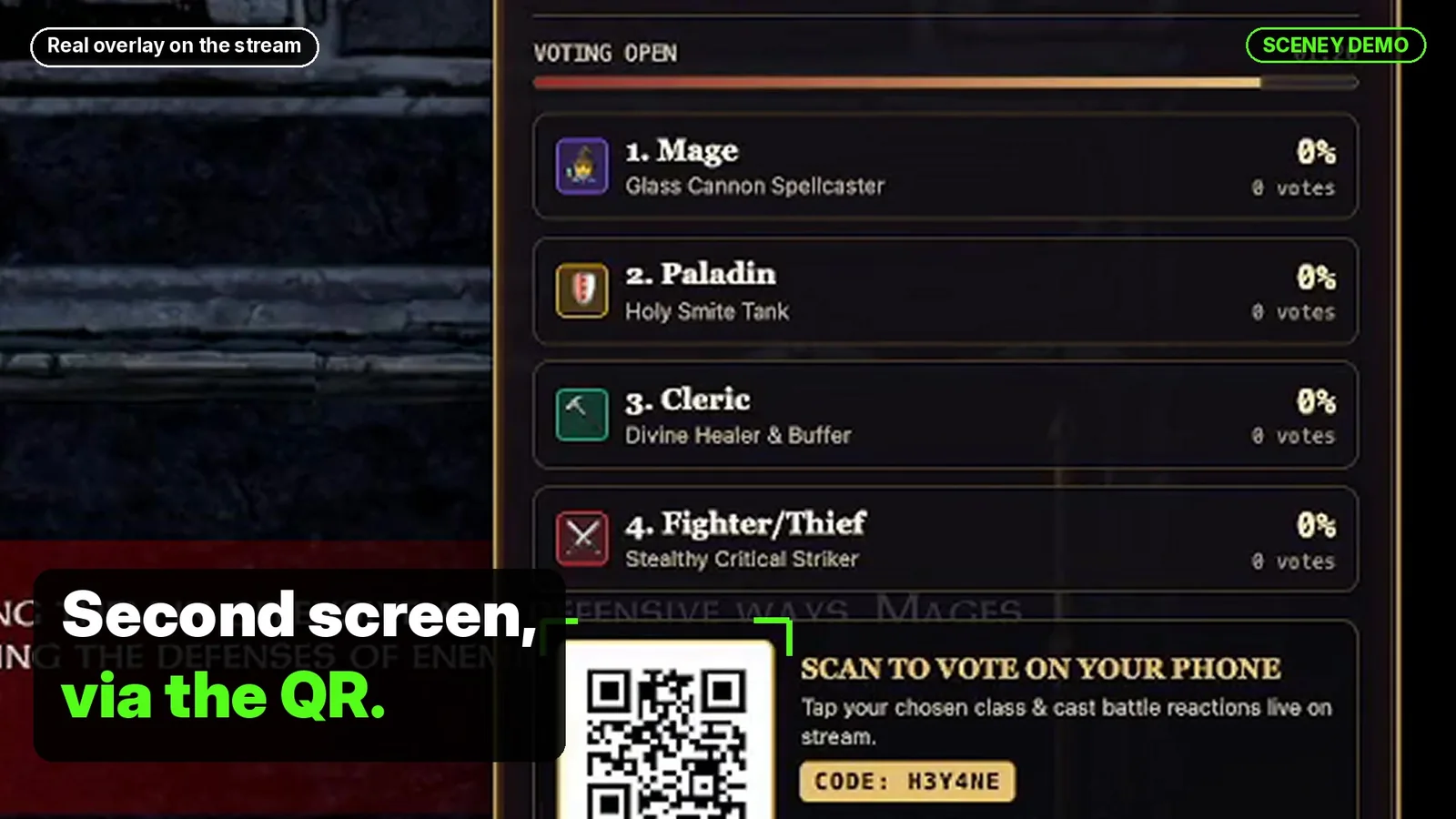
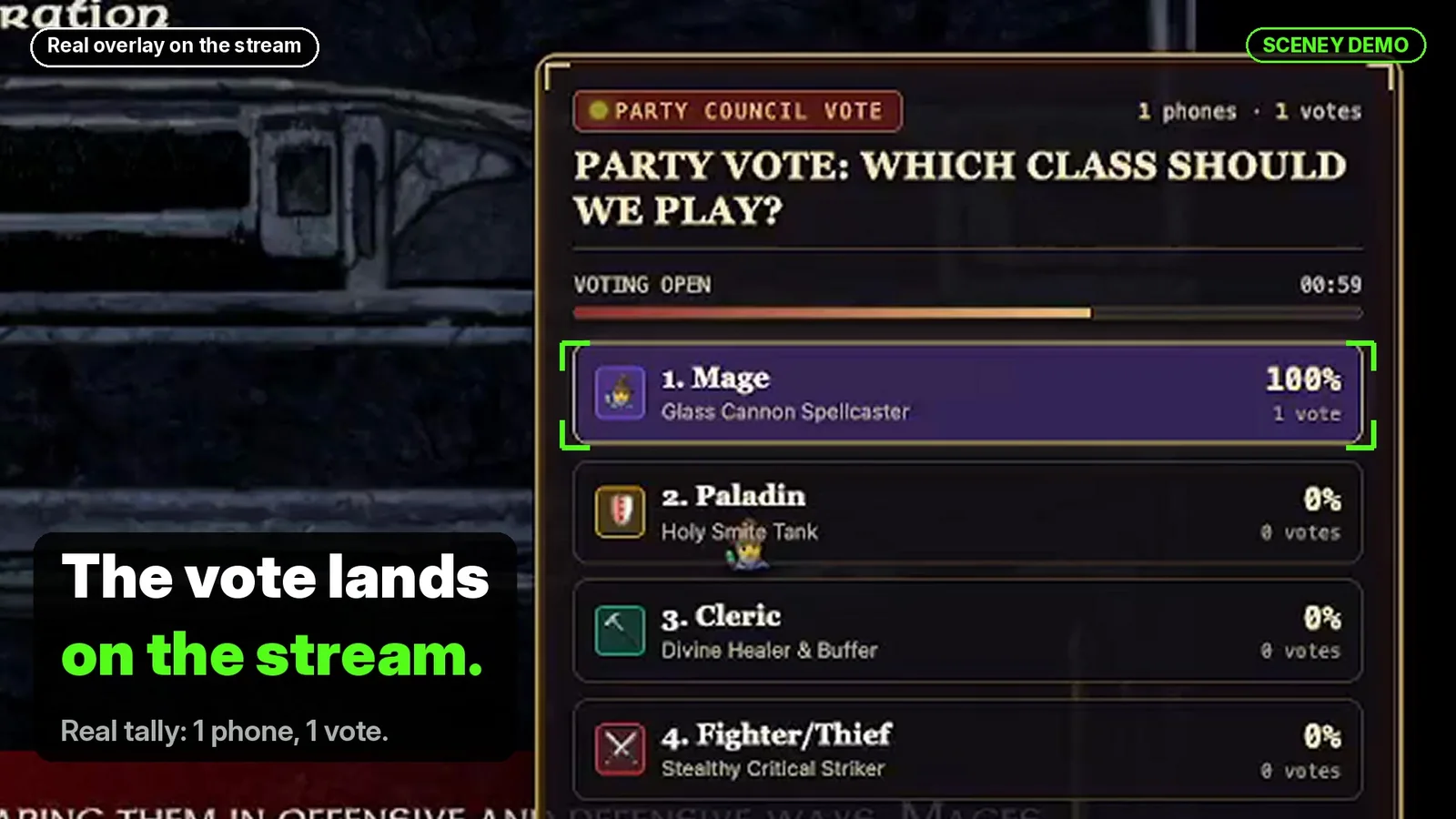
Viewers scan a QR code on the stream and Sceney opens on their phone. They pick, vote and the result shows up on the stream.
What's in it
Built for the stream.
- Overlays you prompt yourself. Describe it, see it on the stream.
- Polls that vote across platforms. Viewers on Kick and Twitch vote in the same poll.
- Moderation and custom extensions. Keep the overlay on track and add what your stream needs.
- QR second screen. Viewers join from their phone in one scan.
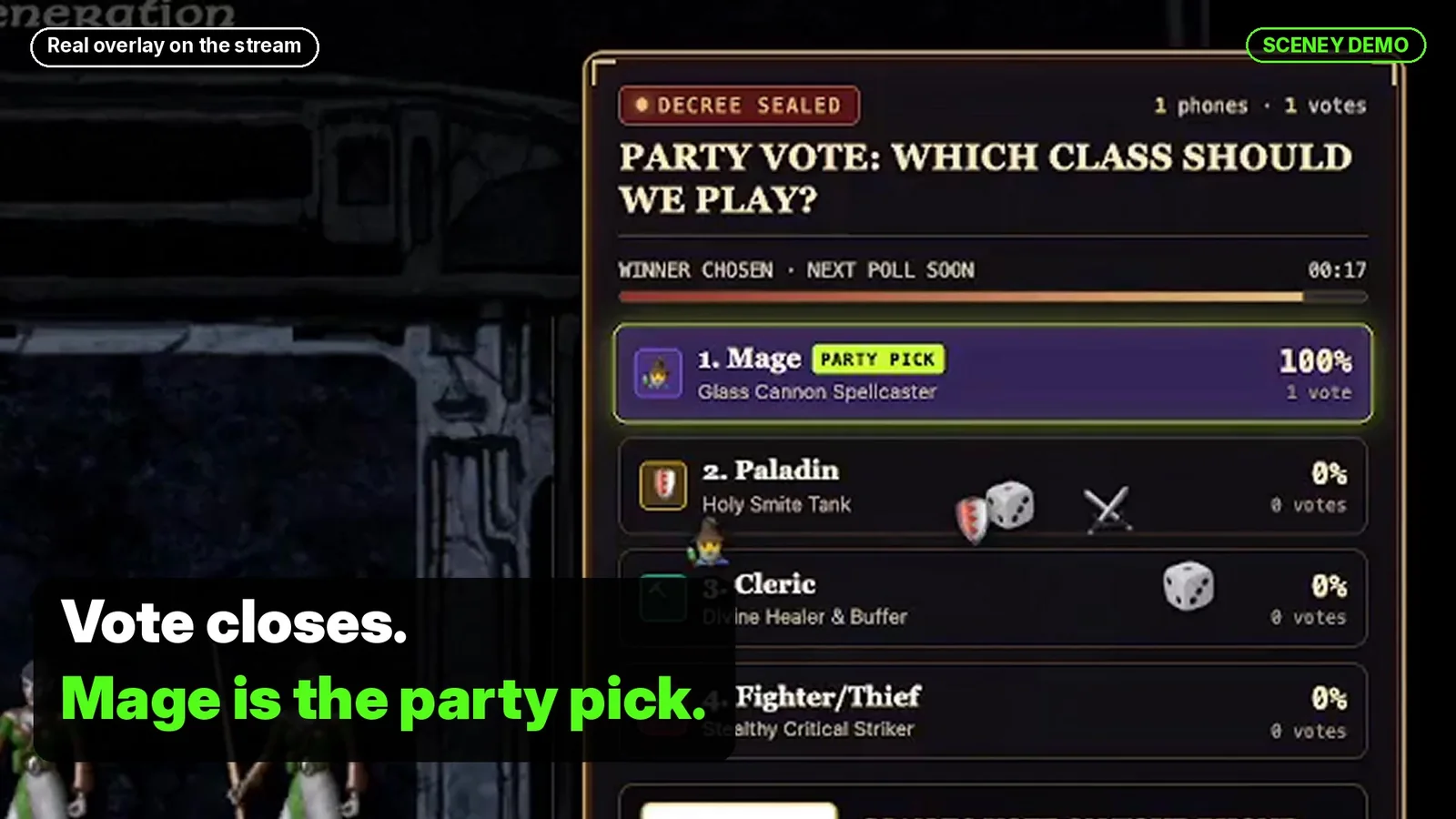
Frames are from a Sceney demo on a public Kick stream. Kick and Twitch are platforms Sceney works on, not partners of Edge Video AI.
Bring Sceney to your stream.
Start in the Builder, or talk to us about your channel.